 Get KeepOn Guardian
Daily app limits
Set how much time individual apps can be used each day.
Set daily limits, block apps when needed and manage individual app access from KeepOn Guardian.
 Available now on Android. We’re working to bring both apps to iPhone.
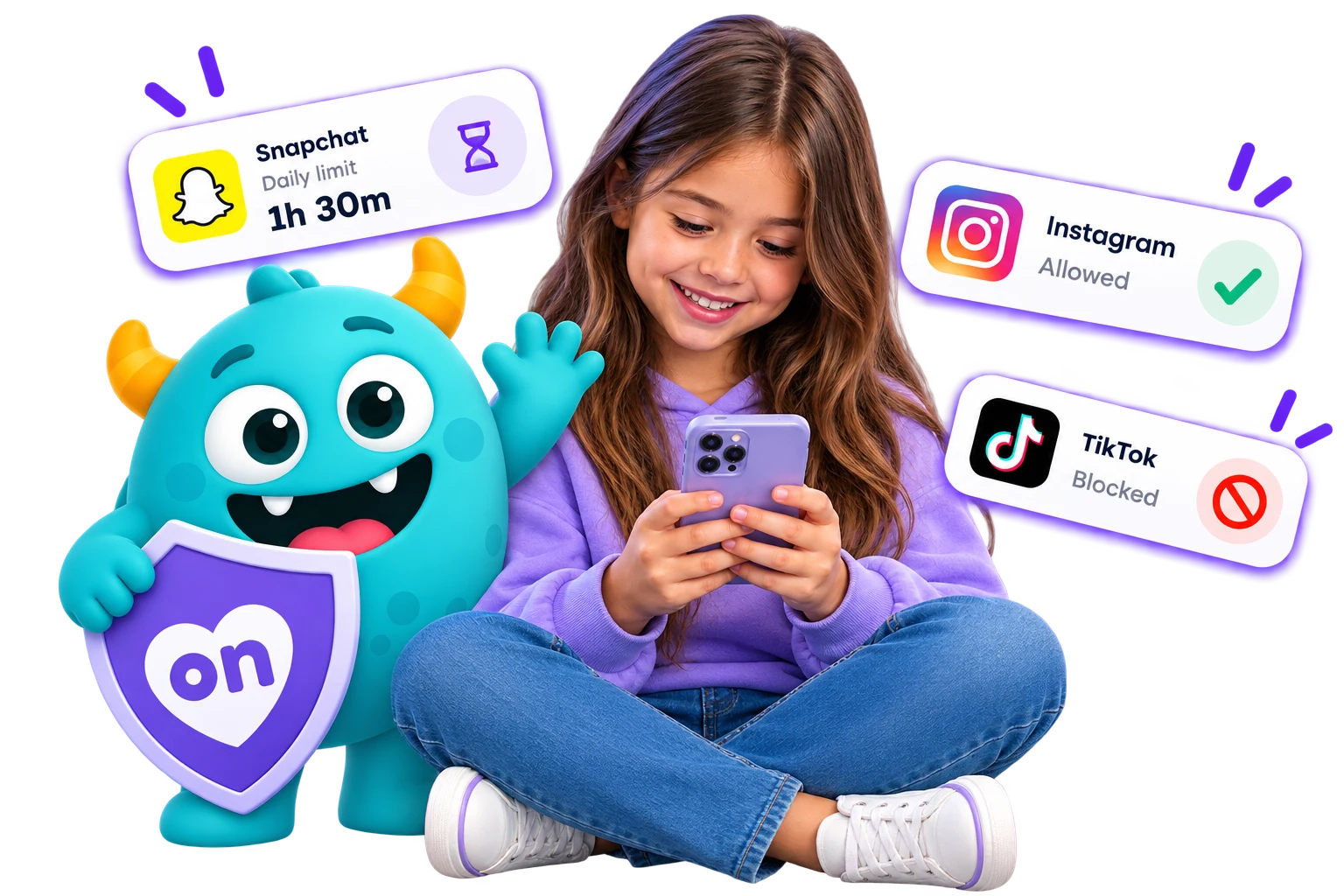
Simple, flexible tools to help you manage the apps your child uses.
Set how much time individual apps can be used each day.
Block access to individual apps when needed.
Keep the apps you choose available.
See at a glance which apps are allowed, blocked or have an active daily limit.
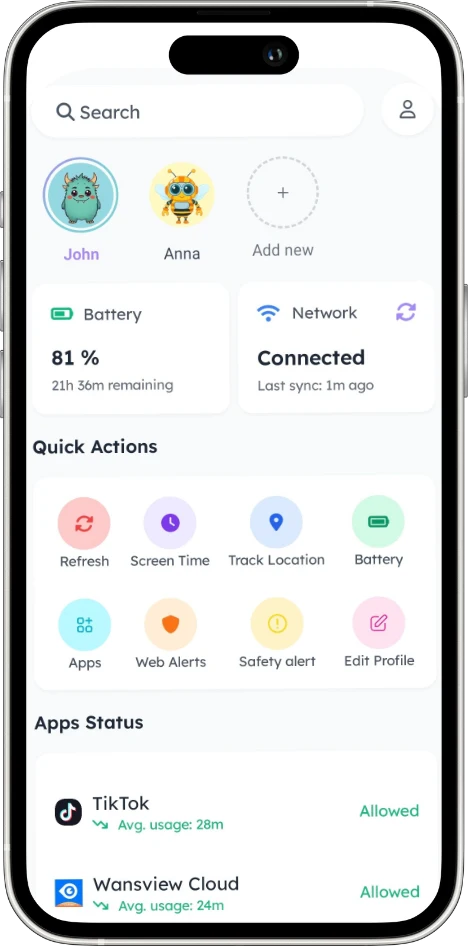
See which apps are allowed, blocked or have an active daily limit from KeepOn Guardian.
Set the rule from KeepOn Guardian. When the limit is reached, KeepOn Kids clearly explains what's happening on their device.
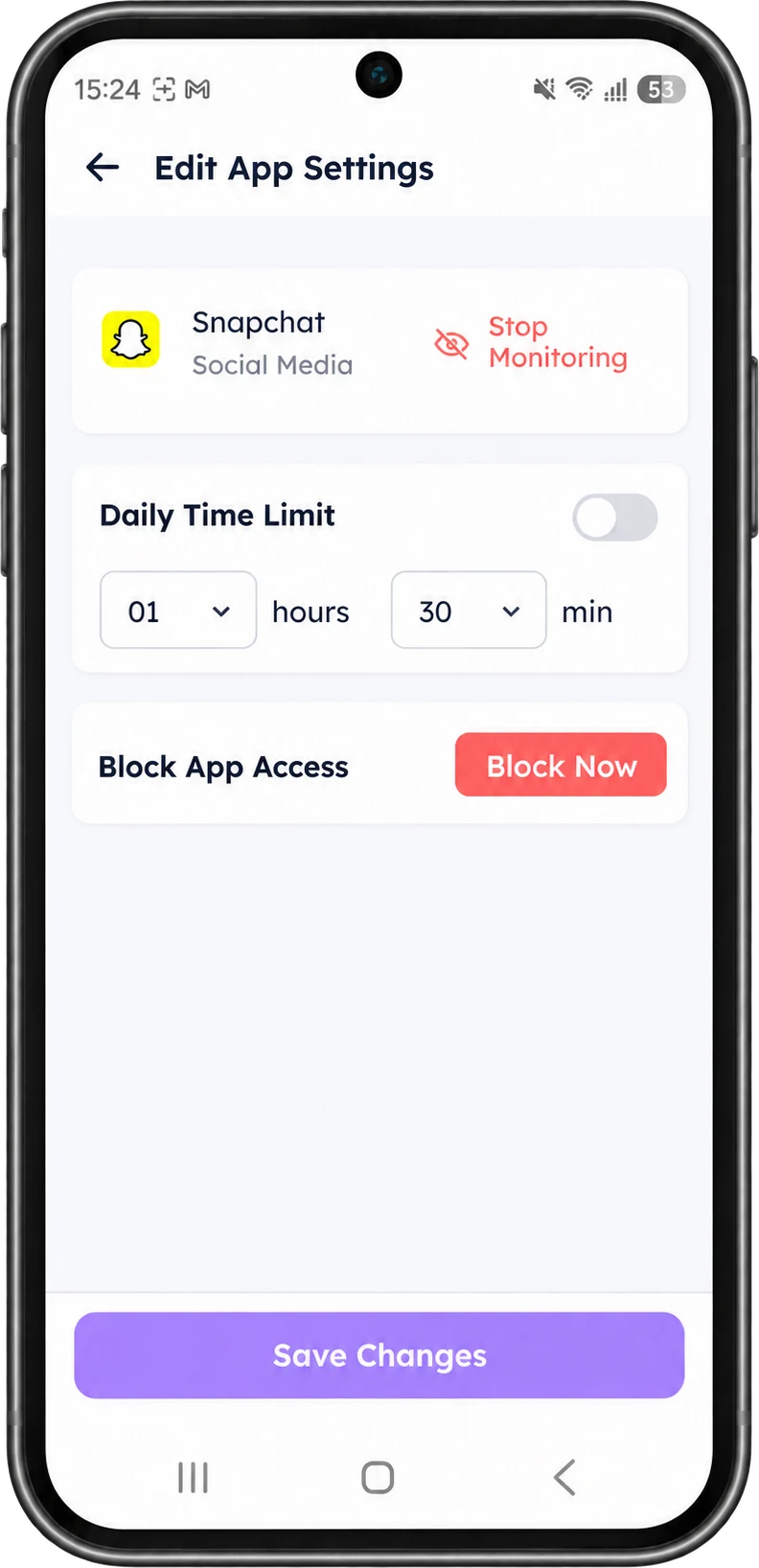 You set the limit
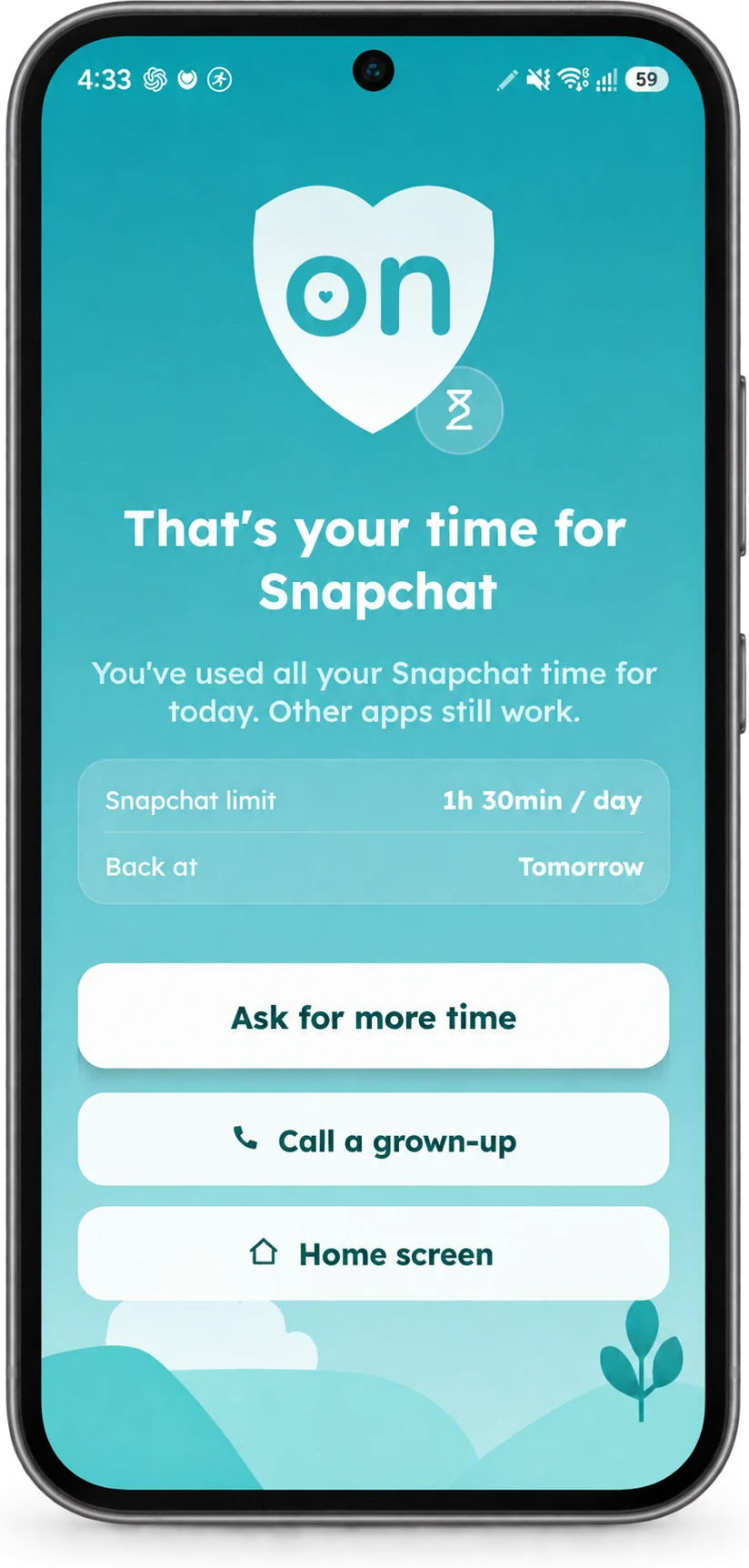 Clear for them to understand
You decide which apps can be used and for how long.
KeepOn Kids explains when a limit has been reached.
Change app controls from Guardian when your family's needs change.
App controls are only one part of the picture. KeepOn brings together tools that help families create a safer, more balanced digital experience.
Explore KeepOn featuresYes. KeepOn Guardian lets you set an individual daily time limit for each app you choose to manage.
KeepOn Kids clearly shows that the daily limit for that app has been reached, and explains that other apps still work.
Yes. KeepOn Guardian lets you block access to an individual app at any time.
App controls are managed from KeepOn Guardian, where you can set daily limits, block or allow apps and see the current status of each one.
Bring app controls, screen time, online safety and location together with KeepOn.